




Spinmacho App
The Spinmacho App is how we refer to the Spinmacho website that behaves like an app in your browser. You open it on your phone or laptop, log in, and play just as you would in a native application. For example, you can spin slots while you wait in a café or check live odds from your couch, and the layout adjusts to your screen so buttons, games, and menus stay easy to use.



Spinmacho Mobile Casino
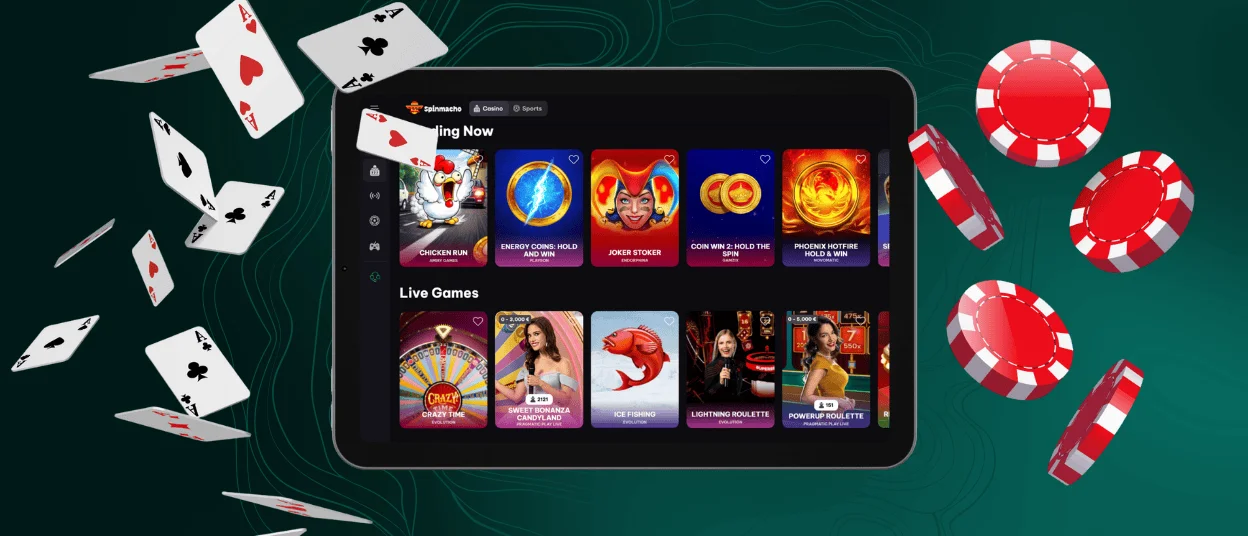
Our Spinmacho App experience on mobile lets you use the same site on a smaller screen without losing comfort. The layout adjusts to your phone or tablet, so the main buttons stay easy to tap and the games fill the screen. For example, you can open Spin Macho in your browser during a commute, log in, and continue the same slot you started earlier on your laptop.
Mobile play works well for short sessions. You can quickly place a bet before a match starts or check how a live game is going while you are away from home. Touch controls make it simple to spin the reels or confirm a bet with your thumb. If your internet signal changes between Wi-Fi and mobile data, the mobile version focuses on loading the game area first, so you can get back to playing faster.
Desktop still has its strong sides. On a computer screen you see more details at once, which can be helpful if you like long sessions or want to follow statistics while you bet. On mobile you sometimes scroll more and switch between sections. This is why we keep both experiences available, so you decide when to play on your phone and when to move to your PC or laptop.
Mobile Application for Android
On Android we do not offer a separate APK or store download. The Spinmacho App works through your mobile browser and adapts to your phone like a regular application.
With this setup you:
- Use your existing Spinmacho account on both Android and desktop
- Avoid extra downloads and installations
- Can keep a shortcut on your home screen for faster access
When you open Spinmacho in your browser, the page fits the screen, so the main buttons stay within easy reach of your thumb. For example, you can unlock your phone during a break, open the saved Spin Macho tab, and return to the same slot you played at home. If you add Spinmacho to your home screen, you launch it from an icon, and the site opens in a clean view that feels close to a native Android casino app.
Mobile Application for iOS
On iOS we do not use a separate app from the App Store. The Spinmacho App runs in your mobile browser, so you can reach Spin Macho from Safari, Chrome, or another browser on your iPhone or iPad.
In most cases you will:
- Open the Spinmacho website and log in.
- Add Spin Macho to your Home Screen through the browser menu if you want a quick shortcut.
After that, you start Spinmacho from the icon, and the site opens in a clean window that feels close to a native iOS app. The layout responds to the size of your screen, so the main controls stay easy to tap while you hold your phone in one hand. For example, you can watch a match on TV, pick up your iPhone, open Safari with Spin Macho, and place a stake within a few moments without any extra downloads.

Spinmacho Casino Application for Windows/macOS
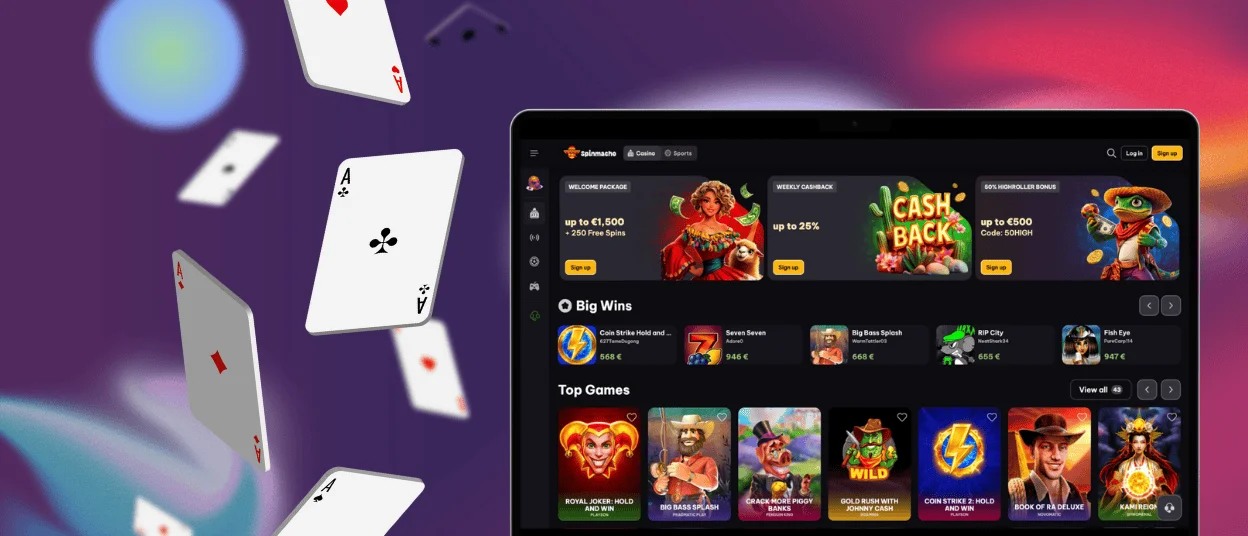
On Windows and macOS we do not offer a separate program to install. The Spinmacho App works through your desktop browser and gives you an interface that feels stable and convenient on a larger screen. You simply open Spinmacho in a browser on your computer and play directly on the site.
On desktop it usually works best when you:
- use an up-to-date browser such as Chrome, Edge, Firefox, or Safari (on macOS)
- keep Spinmacho in a separate tab or window for quick access
A computer screen gives more space for each game element, so everything looks clearer. This helps when you want to see more details during a casino game or a sports bet.
FAQ
Is there customer support in the Spinmacho Casino app?
Yes, you can contact our Spinmacho support team at any time of day or night. Open the Spin Macho site on your phone or computer, go to the help section, and choose a contact option there. Our team will help you with your balance or any problem you face while playing.
Do I need an account to use the Spinmacho app?
You can visit the Spin Macho site and view the lobby without an account. To play for real money and manage your balance in the Spinmacho App experience, you need to create an account and log in with your details.
Are all games available in the app?
The Spinmacho App runs in your browser, so the game lobby looks very similar on mobile and desktop. Most games work on both phones and computers, but some titles may appear only on certain devices if the provider supports only that platform.
How can I update the Spinmacho Casino app?
You do not need to download updates for the Spinmacho App, because it works through the website. We update the platform on our side, so you usually only need to refresh the page or use an up-to-date browser to get the latest version.


